
Projector Calculator
for Golf Simulators
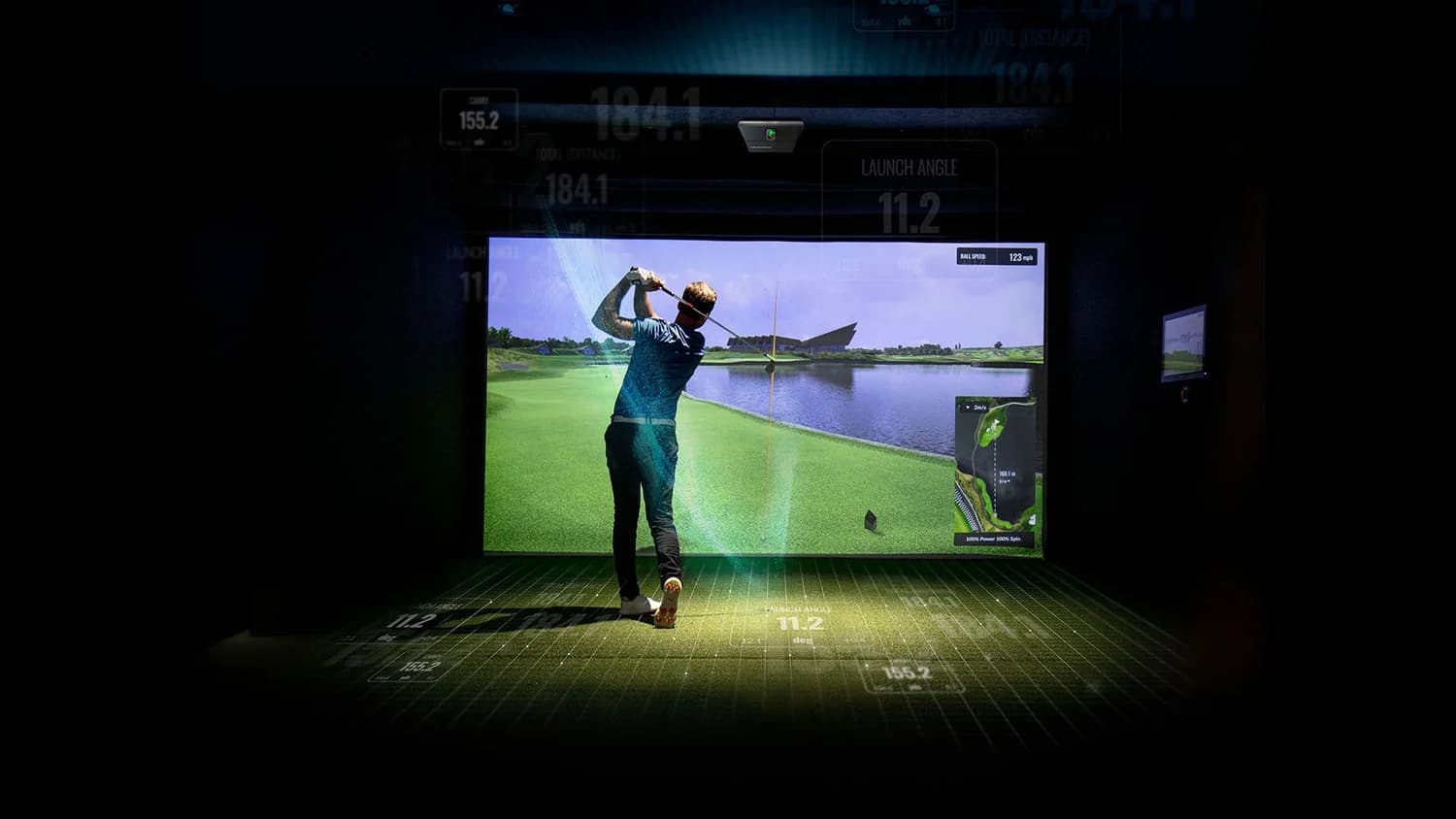
Use the calculator to configure your golf simulator projector, or find a projector for your sim. For planning only — confirm the numbers with the projector maker before you install.
6.90 ft throw · 10.00 ft × 8.00 ft
Drag to look
Lens zoom · 0.69:1
Zoom moves the projector closer or farther so the same screen still fills the lens. The screen and turf stay the size you set.
How throw ratio, zoom, and aspect ratio work
- Throw = width × ratio
- Measure from the front of the lens to the screen. The ratio uses image width, not the diagonal.
- Zoom is fine-tuning
- A 1.2× zoom only moves the mount about 12 to 18 inches. It will not turn a long-throw lens into a short-throw.
- Aspect changes height
- At the same throw, 16:9, 16:10, and 4:3 keep the width and change how tall the picture is.
Ceiling offset and lens shift
Where the lens sits above the screen
These projectors mount upside down. At 100% offset, the top of the image lines up with the lens. The AK700ST at 102.5% sits about 2.5% of the image height above the screen, roughly 2.5 inches on a 100-inch-tall picture.
The LK830ST and Optoma GT2100HDR, at 114% to 116%, hang higher. They need a taller ceiling or a lower screen.
Shift the lens, not the pixels
The BenQ LK936ST can shift the image ±60% vertically inside the lens and still use the full 4K picture. Skip digital keystone. It softens edges, breaks thin lines in GSPro and TrackMan, and adds lag.
Enclosure sizes and throw distances
Common golf simulator screens, the throw for a 0.76:1 short-throw lens and a 0.496:1 ultra-short lens, and the room depth that still leaves 1.5 feet of swing clearance.
| Enclosure | Aspect | Screen | 0.76:1 throw | 0.50:1 throw | Tee | Room depth |
|---|---|---|---|---|---|---|
| Compact Residential | 4:3 | 10' 0" × 7' 6" to 8' 0" (150" to 154") | 7' 7" | 5' 0" | 9' 6" | 15' 0" |
| Standard Residential | 4:3 | 12' 0" × 9' 0" (180") | 9' 1" | 5' 11" | 10' 0" | 16' 6" |
| Wide Standard Bay | 16:10 | 13' 0" × 8' 2" (184") | 9' 10" | 6' 5" | 10' 6" | 17' 0" |
| Luxury Wide Bay | 16:10 | 14' 0" × 8' 9" (198") | 10' 7" | 6' 11" | 10' 6" | 18' 0" |
| Commercial Widescreen | 16:9 | 16' 0" × 9' 0" (220") | 12' 2" | 7' 11" | 11' 0" | 19' 6" |
Projectors in this calculator
Throw ratio, brightness, and offset come from each maker’s published spec sheet. Open the sheet before you order.
| Model | Resolution | Brightness | Throw Ratio | Offset / Shift | Datasheet |
|---|---|---|---|---|---|
| BenQ AK700ST4K golf projector with a short throw and a low offset. The usual pick for a full simulator screen. | 4K UHD | 4,000 ANSI | 0.69–0.83:1 | 102.5% offset | Official Spec ↗ |
| BenQ AH700ST1080p version of the same 0.69–0.83 golf lens and 102.5% offset as the AK700ST. | 1080p | 4,000 ANSI | 0.69–0.83:1 | 102.5% offset | Official Spec ↗ |
| BenQ LK830STFixed ultra-short throw for shallow rooms. It mounts closer to the screen than the AK700ST. | 4K UHD | 4,000 ANSI | 0.496:1 | 114% offset | Official Spec ↗ |
| BenQ LK936STBright 4K short throw with lens shift, for rooms that can give the lens more distance. | 4K UHD | 5,100 ANSI | 0.81–0.89:1 | Lens shift ±60% | Official Spec ↗ |
| BenQ TK710STi4K gaming short throw with the same 0.69–0.83 lens and offset as the AK700ST, at lower brightness. | 4K UHD | 3,200 ANSI | 0.69–0.83:1 | 102.5% offset | Official Spec ↗ |
| Optoma GT2100HDRFixed ultra-short throw. A 1080p option when the lens has to sit close to the screen. | 1080p | 4,200 | 0.496:1 | 116% offset | Official Spec ↗ |
Measure the room before you order
- 1
Set the screen width
Measure wall to wall, then leave 6 to 12 inches on each side for the frame and side padding.
- 2
Mark the tee
Place the ball 9.5 to 11 feet from the screen so there is room for bounce-back and the driver finish.
- 3
Check the throw
Pick a projector whose lens lands at least 1.5 feet in front of that tee, closer to the screen.
- 4
Find a joist
Confirm a joist at that throw distance, and enough ceiling height for the offset above the swing.
To place the launch monitor, turf, and side walls in the same room, use the Golf Sim Room Planner.
Frequently asked questions
What throw ratio does a golf simulator need?+
Throw ratio is optical throw distance divided by image width. Most golf bays require a short-throw lens (roughly 0.69:1 to 0.83:1) or an ultra-short-throw lens (around 0.50:1). This allows the projector to sit close to the impact screen, safely downrange of the golfer, preventing the player or club from casting shadows on the screen.
How far should the projector be from the impact screen?+
It depends directly on your screen width and the projector's optical throw ratio. For a typical 12-foot-wide impact screen using a 0.76:1 short-throw lens, the projector lens sits 9.1 feet from the screen. If your tee is set at 10.5 feet, the lens sits 1.4 feet ahead of the ball, keeping the hitting zone completely shadow-free.
Should the projector be mounted in front of or behind the golfer?+
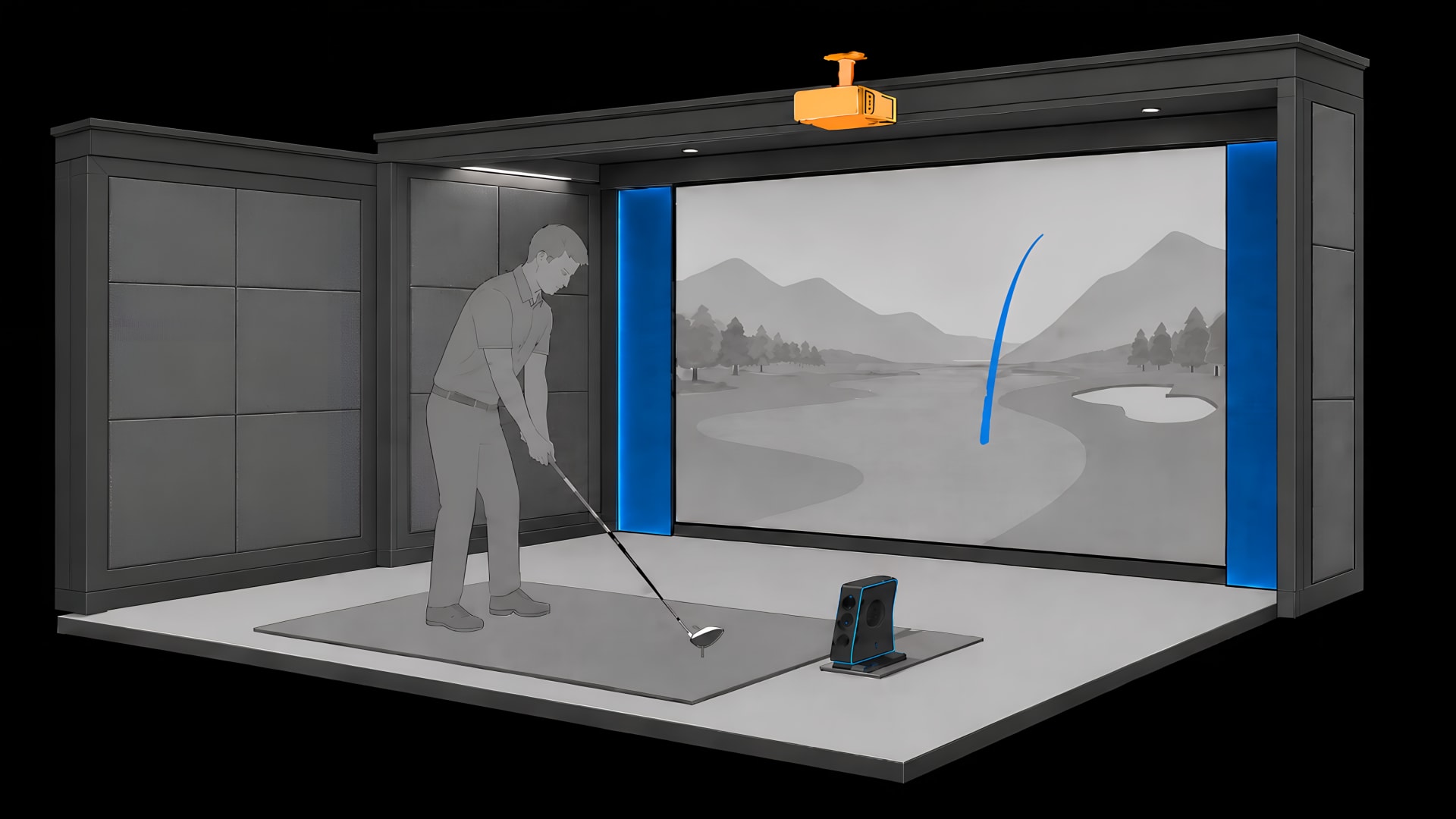
In a dedicated golf simulator, the lens should always sit in front of the golfer (closer to the screen than the ball), with at least 1.5 feet of clearance. If the projector is mounted behind or directly above the golfer, the player's body and driver follow-through pass through the beam, casting a direct shadow over the target line on the impact screen.
Does optical zoom replace having the correct mount location?+
No. Projector optical zoom only provides a narrow adjustment range (typically 1.1× to 1.2×), designed to fine-tune the image onto the screen frame without physical re-mounting. It will not turn a standard-throw projector into a short-throw. You must physically position the ceiling mount within the lens's optical throw window.
Why does changing aspect ratio alter image height rather than width?+
Projector optics and throw ratio formulas are indexed strictly to horizontal image width. At a fixed throw distance and zoom setting, switching between 16:9, 16:10, and 4:3 keeps the projected width identical while expanding or contracting the vertical height. In golf simulators, 4:3 and 16:10 maximize screen height in rooms with 9 to 10-foot ceilings.
What is full-height projection offset and why does it matter?+
Full-height offset specifies where the projected image lands relative to the lens center. For ceiling-mounted projectors inverted near the ceiling, an offset of 102.5% means the lens sits slightly above the top edge of the projected image (about 2.5% of total image height). This keeps the projector close to the ceiling slab and well above the golfer's swing path.
Should I use digital keystone to fit my golf simulator screen?+
Avoid digital keystone whenever possible. Keystone digitally compresses pixels to square up an off-angle projection, which visibly reduces 4K resolution, degrades text sharpness in simulator software, and introduces digital processing latency. Always align the projector optically using physical placement and optical lens shift.
How accurate are the specs in this calculator?+
Every projector in this calculator is indexed directly from the manufacturer's official published engineering specifications and user manuals. Throw ratios, zoom multipliers, vertical offsets, and ANSI lumen ratings reflect verified manufacturer data. Because factory tolerances can vary slightly, always test-project onto your screen before securing permanent ceiling anchors.
Next step
Want your projector professionally positioned in your actual room?
Share your room dimensions, ceiling height, and desired launch monitor. We will engineer exact throw geometry, swing clearance, and structural blocking before you mount hardware.