
01
Carry distances look wrong
Calibration drift or mat position changes are the first suspects. Both are fixable.
Upgrade & Calibration
Refresh tired simulator rooms: new turf, screen retensioning, projector upgrades, sensor recalibration, and software tuning without a full rebuild.
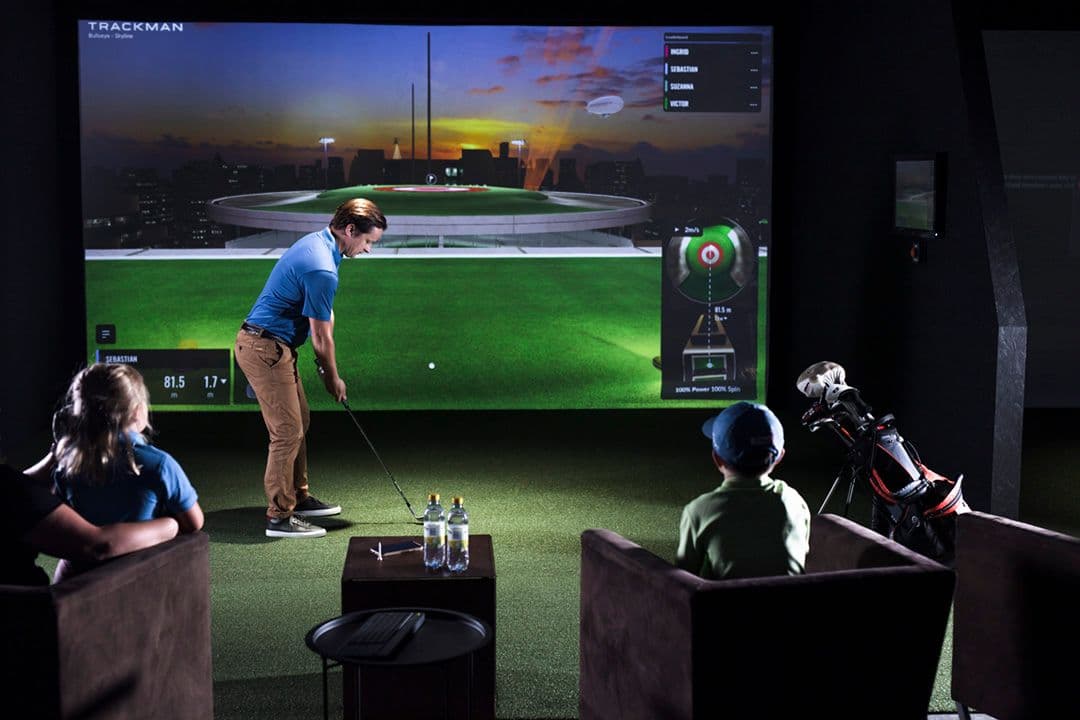
“They designed and installed our basement sim from scratch: clean finish, accurate launch monitor setup, and it plays exactly like we hoped.”
Sarah L. · Oakville
Need a design consult?
Contact us online
Upgrade & Calibration
Simulator rooms drift. Turf compacts, screens loosen, projectors yellow, software updates break profiles, and launch monitors lose alignment after ceiling work or sensor bumps. If your room no longer feels reliable, a targeted golf simulator recalibration service is usually more efficient than a full rebuild.
We upgrade and recalibrate existing Toronto and GTA bays: new stance surfaces, retensioned screens, modern laser projectors, PC refreshes, sensor realignment, and software stacks brought current with your hardware.
The goal is reliable practice again: accurate numbers, sharp image, safe enclosure, without paying for a full second build.
Best Fit
The right scope depends on the room, the stage of your project, and how finished the space needs to feel.
Calibration drift or mat position changes are the first suspects. Both are fixable.
Lamp age, screen sag, and dust on lenses stack into a washed out picture.
New monitor with old projector, or new PC with outdated software, creates mismatched performance.
Compacted mats cause lie issues and joint stress. Replacement restores realistic lies.
Process
Test tracking, inspect screen tension, turf, AV, and software versions.
Prioritize fixes by impact: safety, accuracy, then aesthetics.
Replace or adjust hardware per approved scope.
Upgrade & Calibration
Share the room, project stage, plans or photos, and intended use. We will follow up to discuss feasibility, scope, and practical next steps.
Upgrade & Calibration FAQ
Practical questions clients ask about simulator upgrade & recalibration.
Yes. We service third party and DIY rooms when structure and hardware are serviceable.
Many issues resolve in one session; larger upgrades may need phased visits.
Annual checks are worthwhile for heavy users or rooms with temperature swings.
The highest impact fixes are usually monitor alignment, hitting position correction, screen/turf geometry, and software profile cleanup before major hardware replacements.
Yes. We often phase projects so critical accuracy and safety fixes happen first, then image, turf, or aesthetic upgrades follow on your preferred timeline.
Where we install
Custom upgrade & calibration for high-end homes across Toronto, the GTA, and select Canadian markets.
Related planning: Installation cost guide · All resources
Related Services
Most projects combine room planning, buildout, equipment integration, and calibration.
Custom Design-Build
Custom design-build for finished golf simulator rooms and private golf lounges, with premium finishes, acoustic planning, concealed technology, and one accountable team.
View serviceDesign Consultation
Laser measured feasibility study, swing path verification, and CAD layout for your home golf simulator, before you commit to hardware or construction.
View serviceBasement Build
Purpose built basement golf rooms with moisture aware subfloors, acoustic treatment, ceiling mounted tracking, and finish carpentry matched to Toronto homes.
View service